Chrome extension
StatWP rank, momentum and install estimates on wordpress.org.Chrome extension: StatWP on wordpress.org
Add to ChromeLearn moreStatWP rank, momentum and install estimates on wordpress.org.Chrome extension: StatWP on wordpress.org
Add to ChromeLearn more
by Scott Reilly
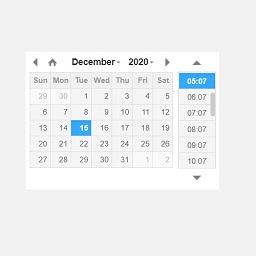
Display the time according to your blog via an admin toolbar widget, a sidebar widget, and/or a template tag.
Display the time according to your blog via an admin toolbar widget, a sidebar widget, and/or a template tag.
Rank
#8,501
↓ -23 vs yesterday
Active installs (est.)
≈ 615
600+ reported · Low
Total downloads
26K
26,020 all-time
Rating
3.6 / 5
8 reviews
Support resolved
0%
0 of 0 threads
Rising·Downloads +37.8% (30d)·Next 700+ · ETA unknown
Chart time range
Applies to downloads, estimated installs, rank, and growth charts on this page. Tracked since Jul 17, 2026, so 113 days of history exist.
Overlapping tags, near Blog Time in rank or installs.
Other plugins from this author in our catalog.
Responsive support too.
afrikane · Jul 30, 2021
We process time sensitive orders with employees logging in throughout the world, and this was exactly what I was looking for! Displays the current time in the admin bar, and even updates the time without reloading the page. Not sure why...
MrBrian · Dec 3, 2018
For us it did not work as anticipated (in the admin bar) It loaded the server time correctly, but a few seconds later it started using the local client time instead. This defeated the purpose of the clock, so i blocked the...
WordPress.org user · Nov 25, 2017
See what its reviewers keep complaining about. Free analysis on sign up.