
Improving a WordPress plugin's WordPress.org search visibility means moving four separate levers - exact keyword placement, support ticket resolution rate, update recency, and rating trend - because search visibility is a composite of all four. Pushing on only the keyword lever leaves the other three untouched, even after a careful readme rewrite.
None of the four are secret, but in my experience most plugin authors only ever work the first one. The other three take less writing skill and, for a lot of plugins, move the needle faster.
Lever 1: make sure you're even in the running
This is the lever most people already know about - exact phrases in the title and description, target terms in the first five tags. It's covered in depth in our full optimization guide and in our readme pre-publish checklist.
What matters here specifically is that this lever controls whether you match a query at all, not how you rank once you do. I've seen a plugin with a perfectly optimized title still lose to a plugin with a mediocre title but a better resolution rate and a fresher update history - matching gets you into the race, it doesn't decide who wins it. Skipping straight to levers two through four without ever confirming you match the terms buyers actually search is the other way to waste effort - there's no visibility score high enough to fix a plugin that simply never shows up for the query in the first place.
Lever 2: the fastest lever you're probably ignoring
This is the lever with the fastest payoff for a new or under-attended plugin. A new plugin defaults to a 50% resolution rate with no support history; resolving even a couple of open threads promptly is often enough to move that number meaningfully within weeks, well before any content change would show up in rank.
The mechanism is simple: mark a thread resolved once it's actually resolved. A thread that's been answered but never marked doesn't count the same way, and a backlog of old unanswered threads drags the percentage down even if you're responsive to everything new. I've found clearing an old backlog is often the single highest-leverage hour you can spend on this lever.
This is also the lever least tied to how good the plugin itself is. A well-built plugin with a neglected support forum still shows a low resolution rate; a rougher plugin with an attentive maintainer can outscore it here. That asymmetry is exactly why I work this lever before assuming a visibility problem is really a product problem.
Lever 3: don't let the update clock run out
Going more than roughly 180 days without an update starts costing visibility. This doesn't require a major release - a small, real update on a regular cadence is enough to stay inside the window, and it's a lever entirely within your control regardless of how your install count is trending.
A version bump is also the natural moment to update your "Tested up to" line to the current WordPress release, since WordPress core compatibility is one of the signals checked alongside recency once a plugin has matched a search. Shipping a version bump that also confirms compatibility does double duty for the same amount of work.
Lever 4: make your rating look alive, not just high
A rating that's both solid and recently reinforced carries more weight than the same average sitting untouched for a year. A plugin with no reviews yet defaults to a 2.5-star rating in the algorithm's eyes - not zero, not five - so a handful of genuine, recent five-star reviews moves you a long way from that default fast, according to Freemius's analysis of the ranking algorithm.
Prompting satisfied users for a review after a positive support interaction - not generically, and not for every user - is a legitimate way to keep this lever moving without inflating the number artificially. I take this one seriously: the same analysis describes rating trend as having an outsized effect on where a plugin lands once it's matched, bigger than active install count for most plugins in the directory.
Four levers, one place to actually check them
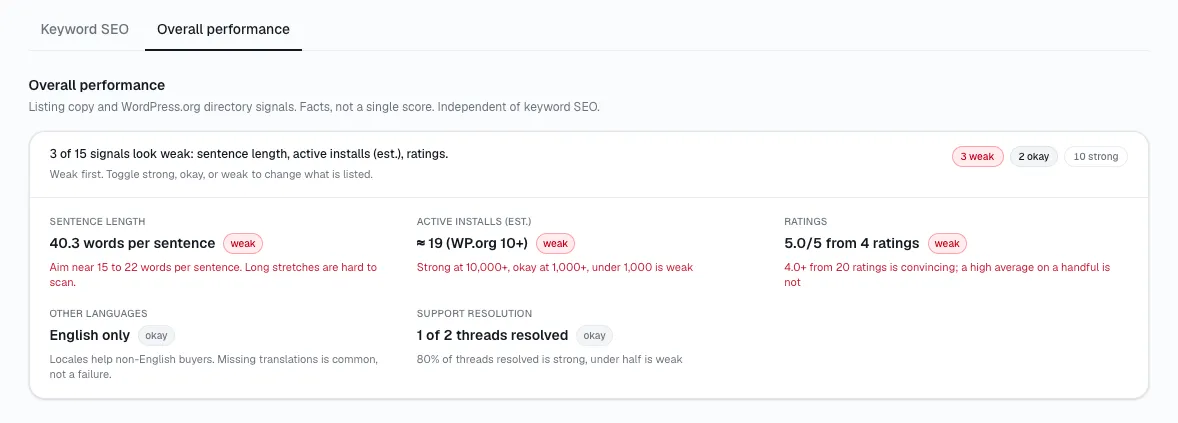
Working all four at once is the goal, but I've found checking your progress by hand means four separate habits - re-reading your own readme, counting resolved threads, watching a calendar, and refreshing your own reviews page. StatWP's growth tracker rolls three of the four - resolution rate, freshness, and rating - into a single search visibility and trust score for plugins and themes alike, and tracks your keyword rank for lever one separately next to it.
Here's where to actually look:
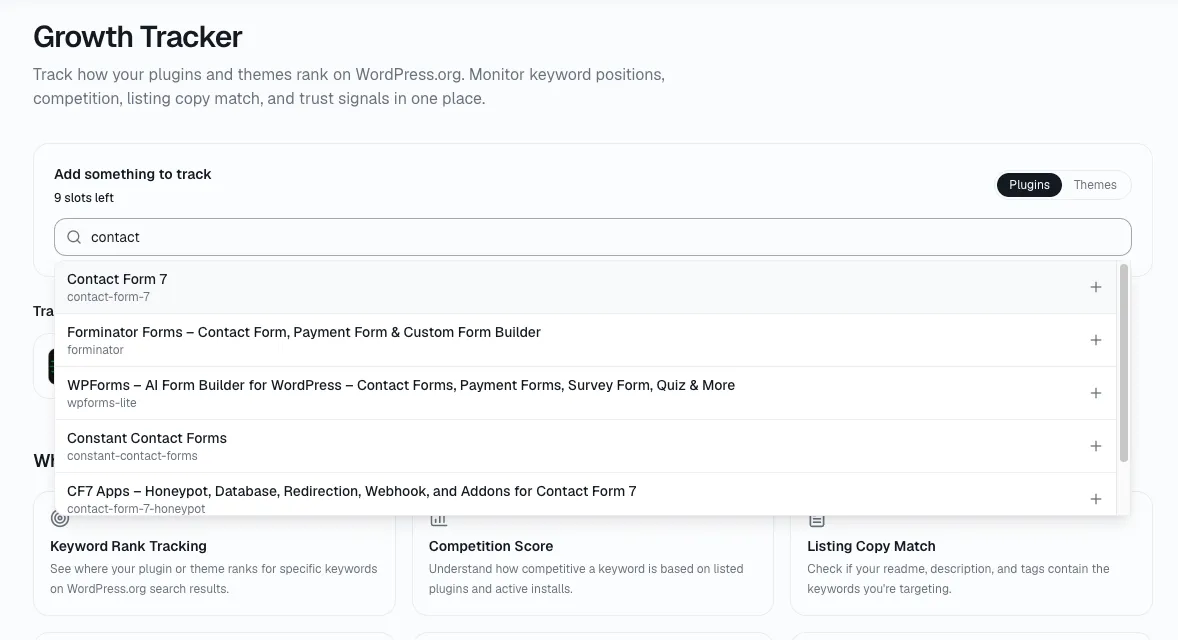
Open statwp.com/tools/growth.
Find your plugin and look at the search visibility and trust score - resolution rate, freshness, and rating already rolled into one number.
Check keyword rank next to it, for whichever terms you're tracking.
That turns four separate levers into one number worth checking on a schedule - covered in more detail in our guide to tracking your own WP.org SEO rankings.
Where to check lever one specifically
Keyword rank doesn't fold into the trust score above, since it's specific to whichever search terms you're actually targeting - for a plugin or a theme - rather than a property of the listing as a whole.
Questions about the four levers
Which lever should I work on first?
I'd say whichever one is currently worst, not whichever one feels most familiar. For most plugins that's resolution rate, since it starts at a 50% default and can move within weeks - faster than a content rewrite or a rating climb ever will.
Can a great rating make up for a slow resolution rate?
Not fully. Both feed into where you land once you've matched a search, but they're measuring different things - one is about whether you help people, the other about whether people are happy after you did. A plugin can be excellent at one and weak at the other, and both still count separately.
Do all four levers matter equally?
No, and WordPress.org hasn't published the exact weighting, so treat any specific ratio as an estimate rather than a fact. What's consistent across analysis of the algorithm's behavior is that rating trend and resolution rate both carry real weight once a plugin has matched, while raw install count matters only up to a ceiling most plugins never reach - see how WordPress.org plugin rankings actually work for the full breakdown.
How often should I check all four?
Monthly is enough for most plugins - these levers move on the order of weeks, not days, so a daily check mostly just shows you noise. Our tracking guide covers the actual routine.
Does fixing my readme move any of the other three levers?
No. A readme rewrite only moves lever one - it doesn't touch resolution rate, update recency, or rating, which is exactly why treating readme work as the whole job leaves three-quarters of the composite untouched.
My plugin has zero reviews - is that hurting me right now?
Less than you'd expect, and less than an actual one- or two-star rating would. A reviewless plugin sits at the algorithm's 2.5-star default, which is a neutral starting point rather than a penalty - the real cost shows up if that default never moves, since a rating that's both solid and recently reinforced outperforms one sitting untouched.